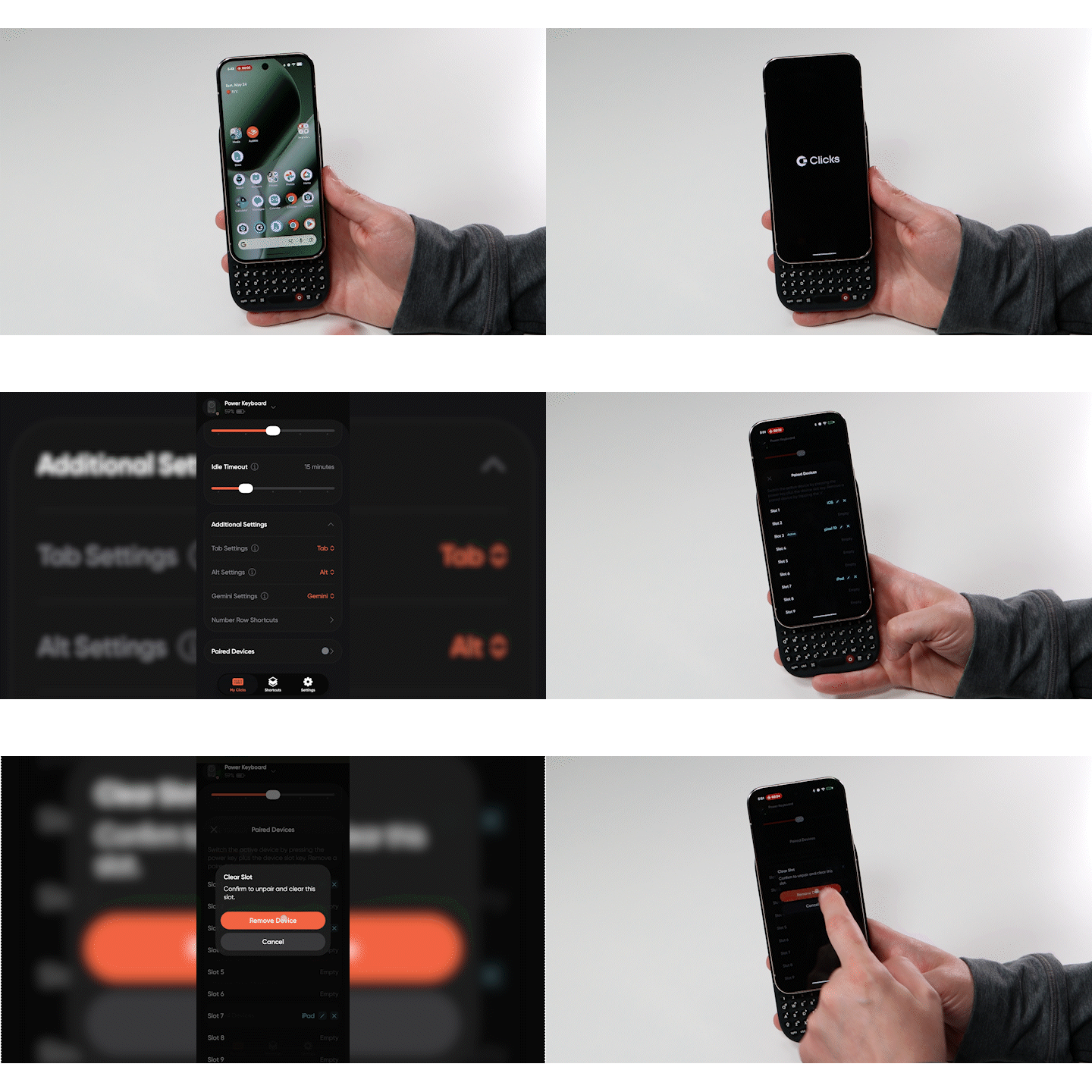
If you want to remove (or clear) a device paired to a specific channel, you can easily erase it and make the channel available for a new device. You can clear a paired device in one of two ways:Documentation Index
Fetch the complete documentation index at: https://docs.clicks.tech/llms.txt
Use this file to discover all available pages before exploring further.
- Keyboard Shortcut
- Clicks App
Option 1: Keyboard Shortcut
Step 1: Connect to the Channel
Ensure you are actively connected to the channel you want to clear.Step 2: Clear the Channel
Hold down the SYM key and press 0.Result
The selected channel is now cleared and available to pair with a new device.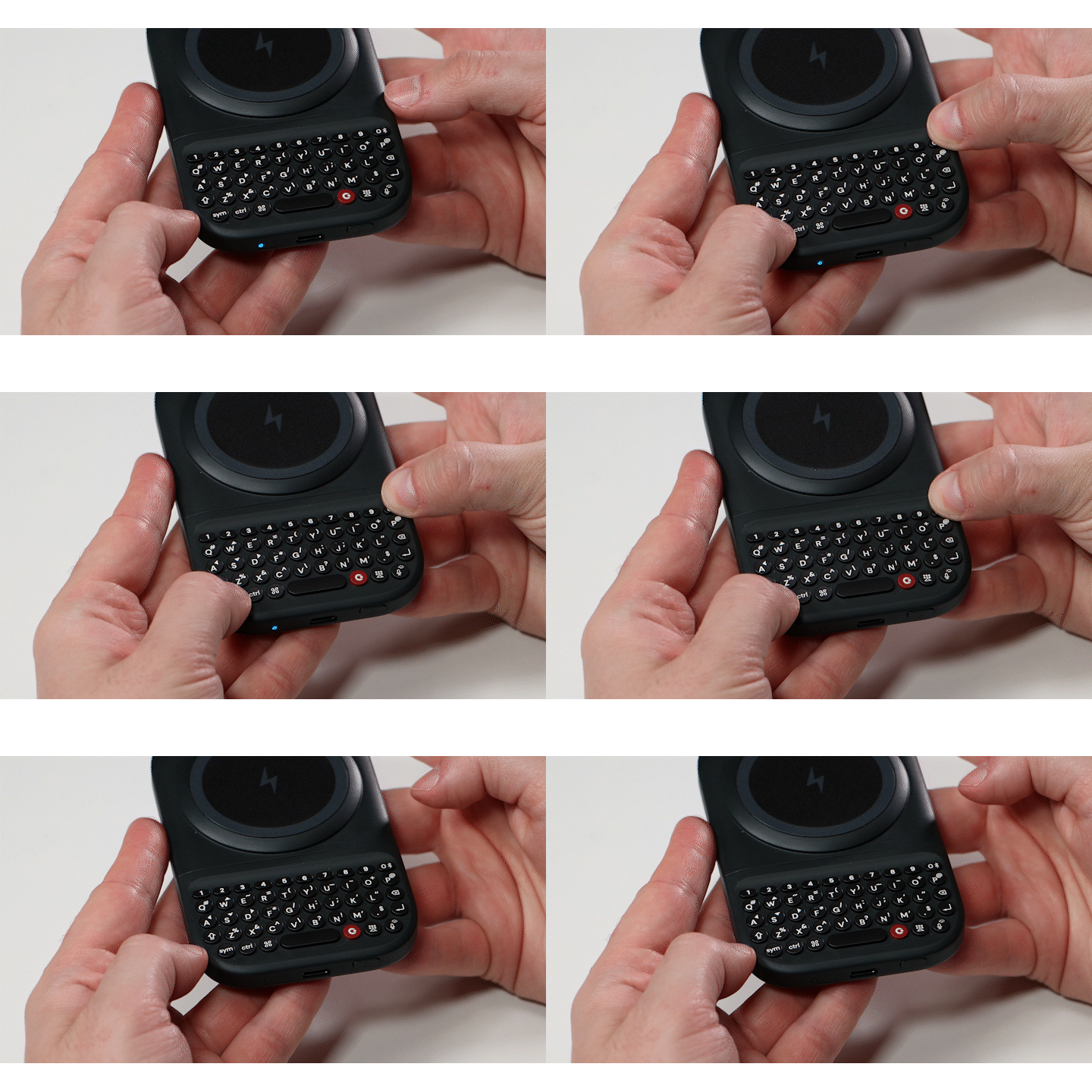
Option 2: Using the Clicks App
Step 1: Connect to the Channel
Connect to the channel you want to clear by holding the Power key and pressing the assigned number key (1–9).Step 2: Open the Clicks App
Open the Clicks App and navigate to My Clicks.Step 3: Open Paired Devices
Scroll down to the Paired Devices section.Step 4: Remove the Device
Select the X next to the device slot you want to clear.Result
The selected pairing slot is now available for a new device.