

As soon as you Power on Clicks Power Keyboard for the first time, it will automatically go into pairing mode (blue light flashing).Documentation Index
Fetch the complete documentation index at: https://docs.clicks.tech/llms.txt
Use this file to discover all available pages before exploring further.
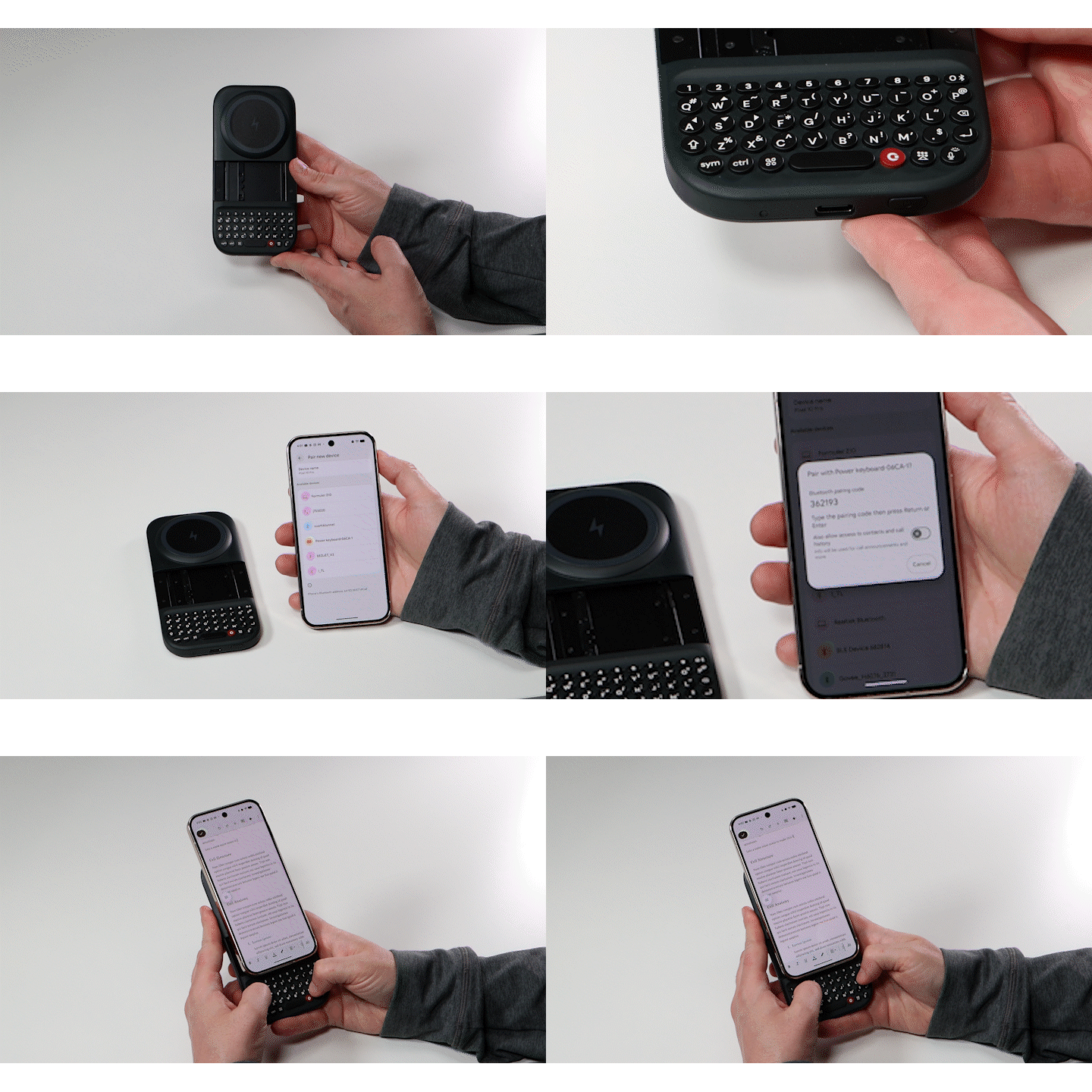
- Ensure you press and hold the power key to turn on your Power Keyboard.
- Slide the keyboard out to initiate pairing mode (a blue light will begin pulsing).
- Open the Bluetooth settings on your device (smartphone, tablet, etc).
- Select ‘Clicks Power Keyboard-1’ from the listed devices.
- If prompted, allow necessary permissions to finishing pairing your Power Keyboard. You may be asked to input a numerical code to finalize the pairing.