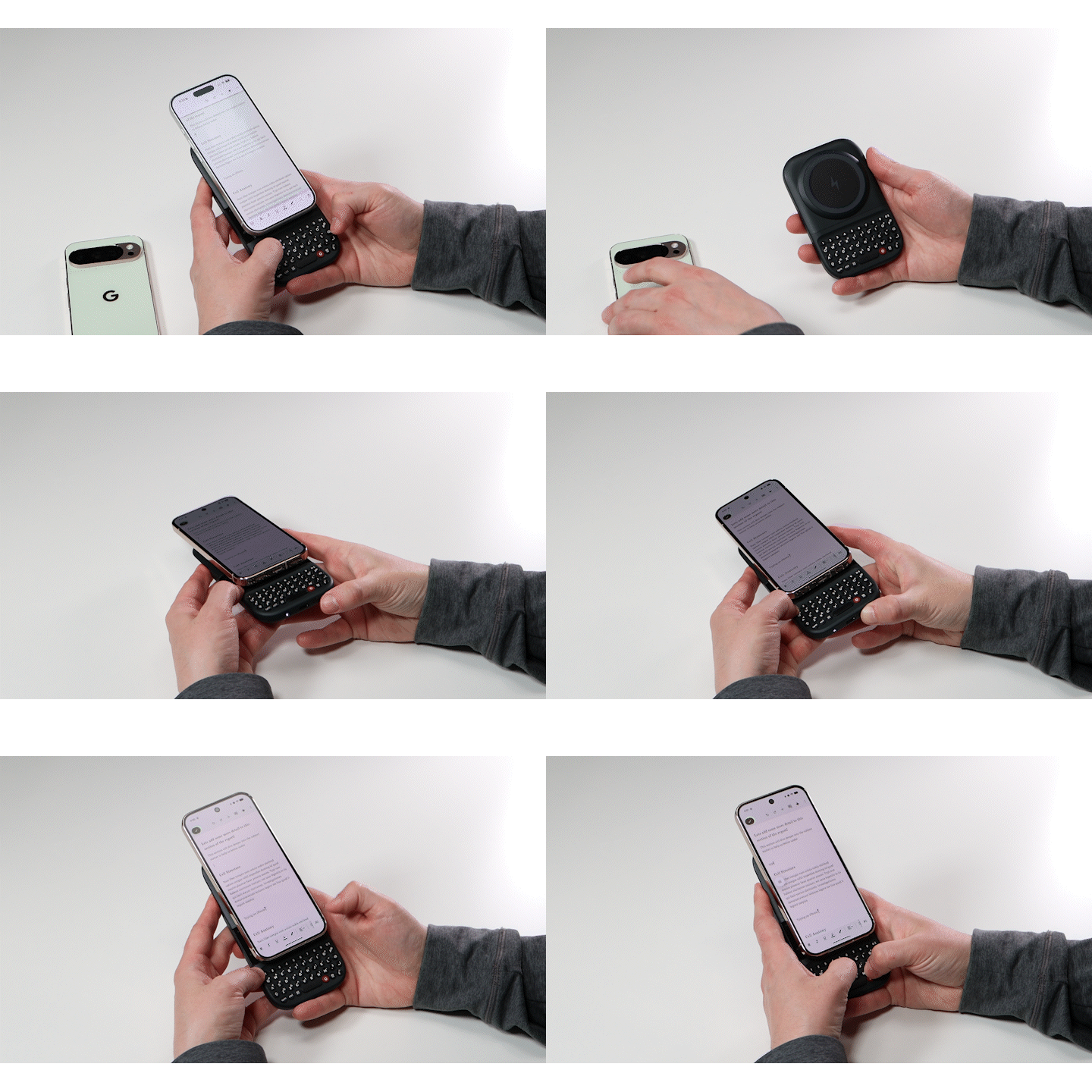
Clicks Power Keyboard allows you to connect and switch between nine different devices.Documentation Index
Fetch the complete documentation index at: https://docs.clicks.tech/llms.txt
Use this file to discover all available pages before exploring further.
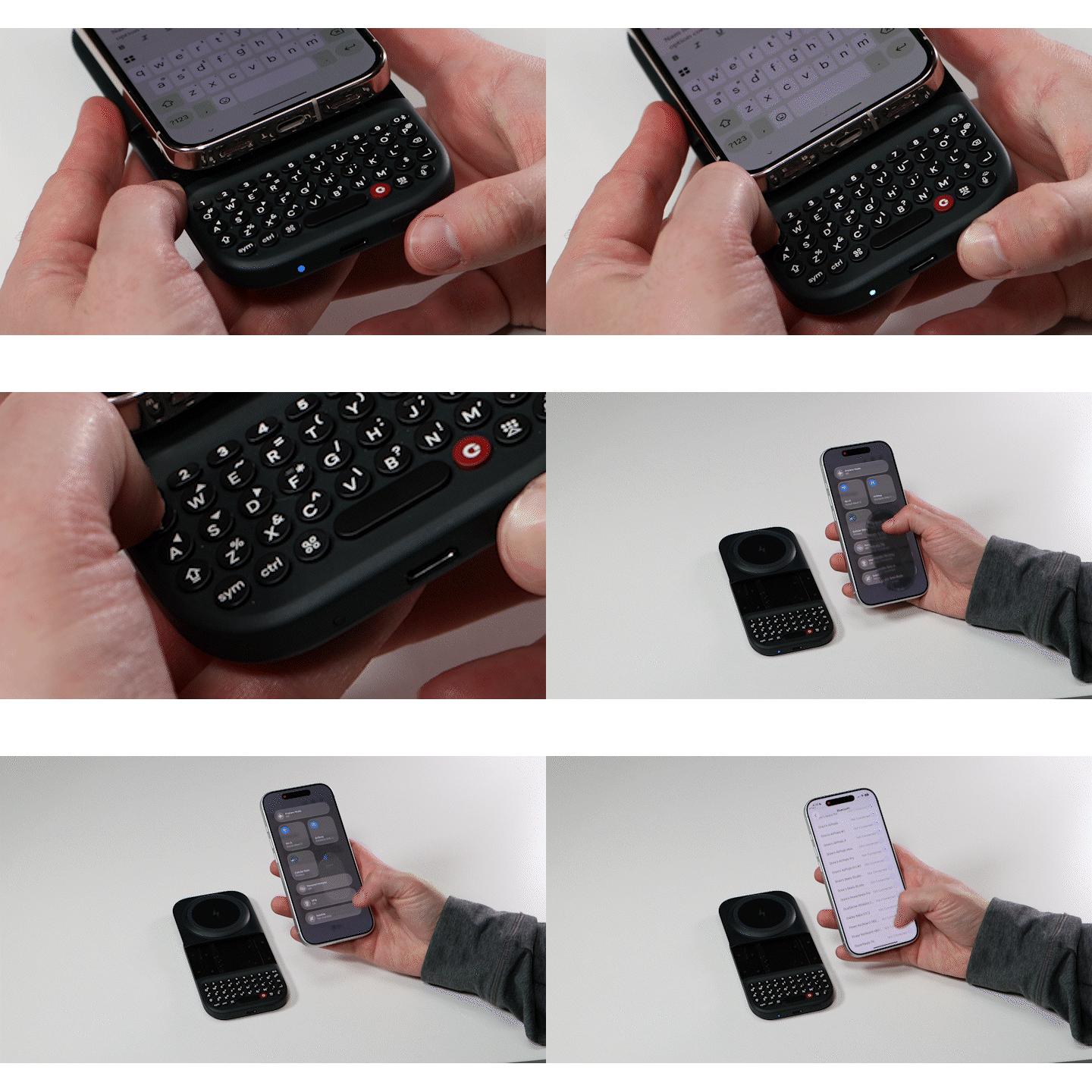
To pair an additional device:
- Press and hold down the Power key and then press a number key (1-9) to pair assign the new device to a specific number.
- Open the Bluetooth settings in the new device you’re looking to pair, select Power Keyboard, and follow the steps on screen to complete the pairing.
- You can now easily switch between two phones, a tablet, a headset, smart TV or other devices you use regularly.