

Clicks Power Keyboard can store a total of nine paired devices allowing you to quickly switch between your phone, tablet, smart TV, VR headset, and more.Documentation Index
Fetch the complete documentation index at: https://docs.clicks.tech/llms.txt
Use this file to discover all available pages before exploring further.
To switch between paired devices:
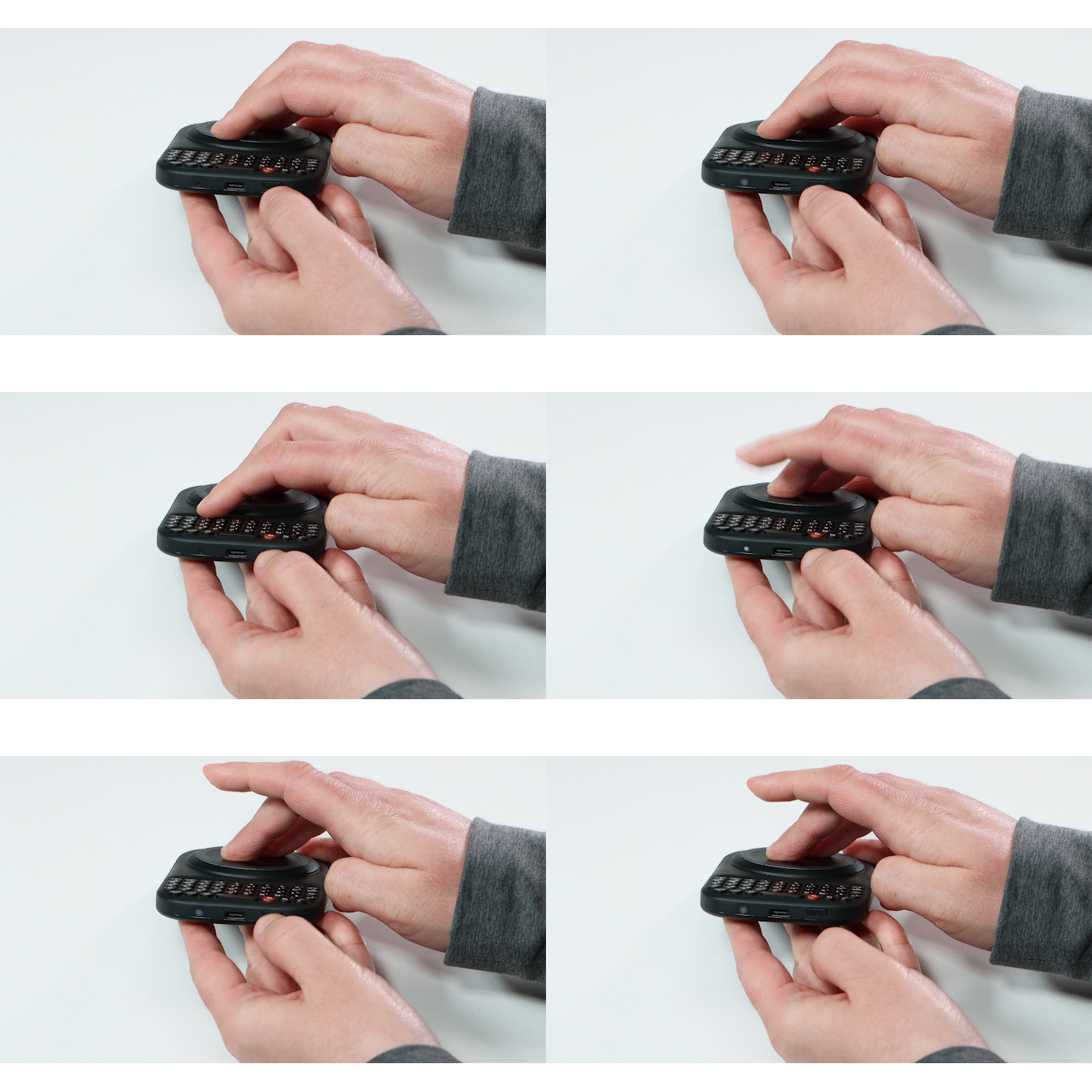
- Press and hold the Power key while pressing and holding a number key to switch between paired devices.
- The light will flash white, and then turn solid blue when the new device has been connected.