

We may earn a commission for purchases using our links. Learn more. Whether you’re getting into a flow state to tackle some deep work, about to hit the gym to break a sweat, or are heading out in the car, great tunes can make all the difference. Using Clicks Mode together with keyboard shortcuts can help you take control over your music at home, on the go and in the car. Here are a few of our favorites.Documentation Index
Fetch the complete documentation index at: https://docs.clicks.tech/llms.txt
Use this file to discover all available pages before exploring further.
1. Play a playlist on your smart speaker
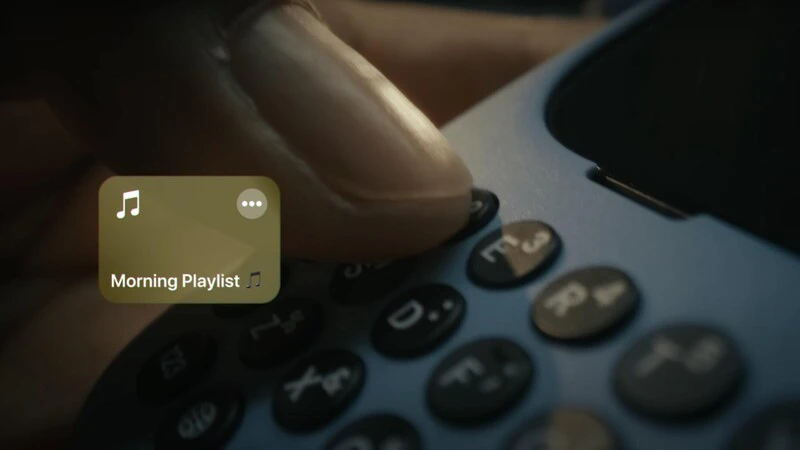
Install this Shortcut
2. Name that tune with Shazam
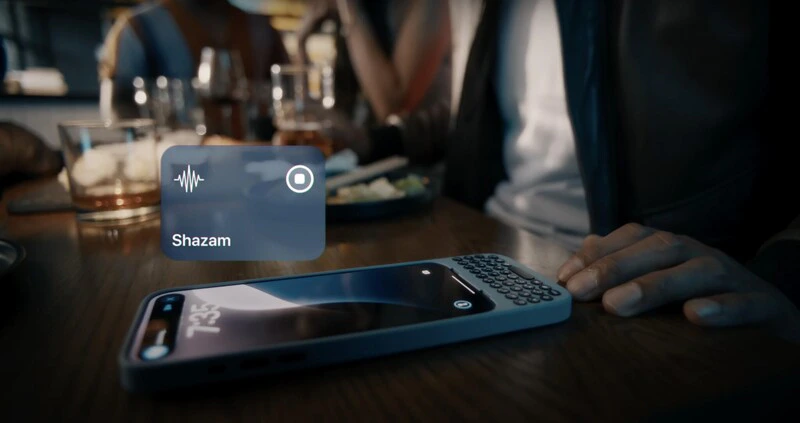
Install this Shortcut
3. Give your drive a soundtrack with CarPlay
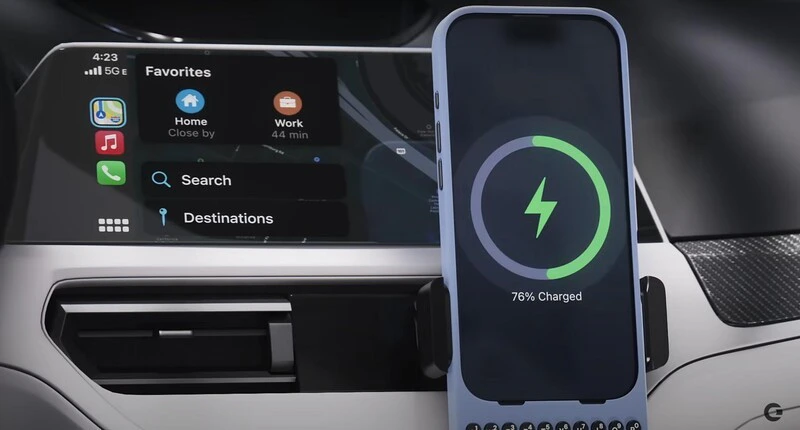
** make sure to have the latest version of the Clicks Keyboard App in App Store and have updated your Clicks Keyboard for iPhone 16 firmware to the latest version.
Read more
Turn Clicks Into a Remote Control For Your Life
The 36 buttons on your Clicks Keyboard can be used for so much more than just typing. By enabling Clicks Mode to work with iOS Shortcuts, you can use the buttons on your Clicks Keyboard to quickly launch apps, trigger workflows or take actions you perform frequently
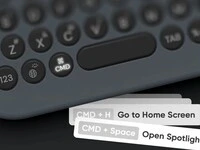
Navigate your iPhone with Keyboard Shortcuts
With Clicks you will find that many of the keyboard shortcuts you use on your Mac or iPad Magic Keyboard work on your iPhone.

Mastering Clicks: What to Expect In Your First Two Weeks
With just a bit of practice your thumbs will feel right at home, typing with confidence and unlocking new iPhone features only available with a keyboard.
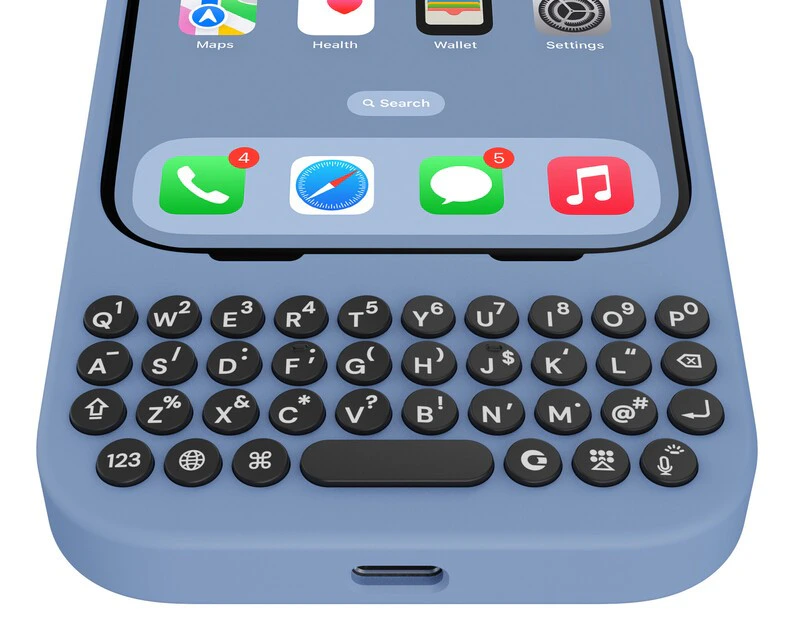
Meet Clicks for iPhone 16
Discover what’s new in the Clicks Keyboard for the iPhone 16.