

Documentation Index
Fetch the complete documentation index at: https://docs.clicks.tech/llms.txt
Use this file to discover all available pages before exploring further.
1. Pocketable productivity
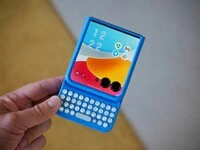
- Wake and unlock the external screen at the push of a button
- Maximizes all 4” of the external display by moving the keyboard off the screen
- Gives you a huge canvas for content and creation when flipped open
2. Premium typing experience
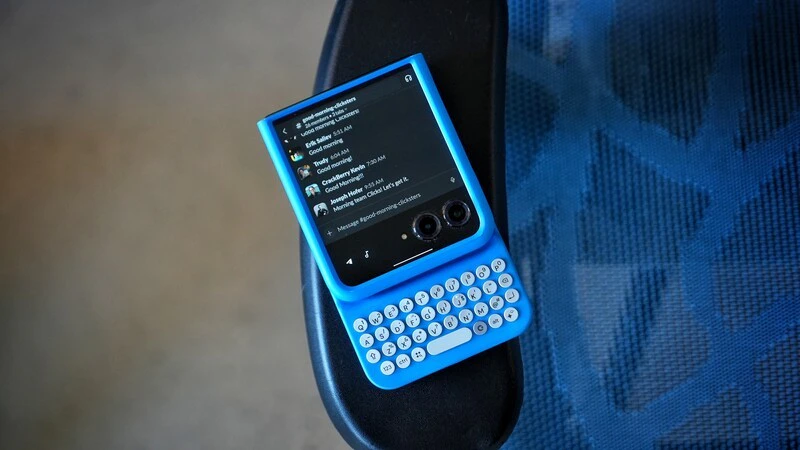
- Ergonomically contoured keys for comfort
- High quality metal dome switches for satisfying tactile feedback
- Backlit keys for night-time and low-light typing
3. Ultimate control in the palm of your hand
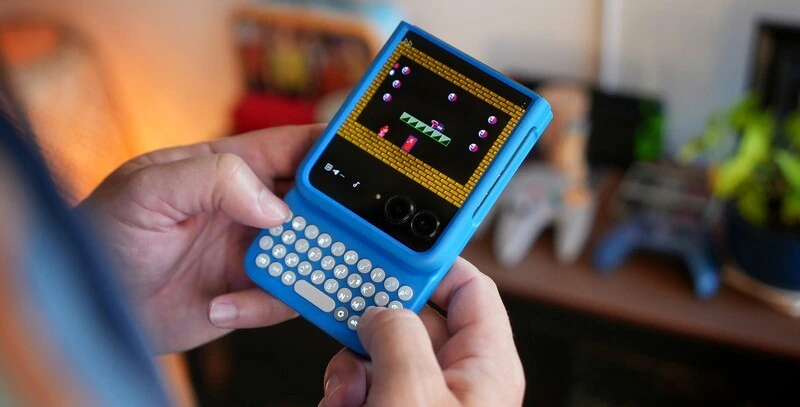
- Launch apps instantly from the external display like:
- Search + G = Gmail
- Search + Y = YouTube
- Search + K = Calendar
- Dedicated Gemini key – Access Google AI instantly
- Search + Backspace = Go back
- Even more shortcuts when your Razr is flipped open:
- Search + N = Open notifications
- Alt + Clicks = Switch recent apps
- Navigate Razr with real buttons:
- Search = Open app drawer
- Search + Return = Home
Read more
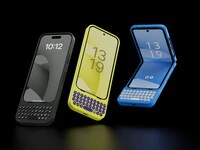
Clicks brings its award-winning iPhone keyboard case to Android phones
Clicks brings its award-winning iPhone keyboard case to Google, Motorola and Samsung smartphones. Smart keyboard accessory offers a premium typing experience, added screen real-estate and powerful keyboard shortcuts. Available to pre-order today from USD $49.

Introducing Clicks for Pixel: More Control. More Screen. More You.
Since launching Clicks for iPhone in 2024, we’ve heard from passionate Pixel owners that they want the benefits of buttons. With the announcement of Clicks for Pixel, we’re giving pixel a productivity power-up.

Clicks is a command center for your Android smartphone
The Clicks Keyboard for Android is here. Learn how to use keyboard shortcuts to launch apps and navigate your Android phone.