

Documentation Index
Fetch the complete documentation index at: https://docs.clicks.tech/llms.txt
Use this file to discover all available pages before exploring further.
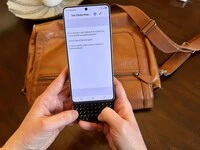
Whether you’re a power user who lives in spreadsheets or a creator managing a community on the move, your Galaxy phone is ready for a real keyboard.That’s right. Samsung Galaxy users around the world can put the Clicks Power Keyboard to work. Here’s how it all comes together.
How it Attaches: The Magnetic Connection
The Clicks Power Keyboard is a universal, pocket-sized tool designed to bring fast, confident input to the devices you already rely on. Instead of a fixed case, the Power Keyboard uses a high-strength MagSafe or Qi2 magnetic connection to snap securely to the back of your phone. For the Samsung Galaxy ecosystem, this flexibility is crucial. While some flagship devices in the 2026 line-up, such as the Galaxy S26 series, may rely on external accessories for magnetic alignment, the Power Keyboard is ready for them.Using an Older Galaxy or Foldable?
If you’re rocking a Galaxy S25, S24, a Z Fold 7, or even an older flagship, don’t worry. You can still experience the Power Keyboard. Most Samsung devices support wireless charging but lack built-in magnets. By using a MagSafe-compatible case or a simple adhesive magnetic ring, you can create a secure physical bond between your phone and the keyboard. Once attached, the keyboard pairs via Bluetooth, and you’re ready to start your flow.Galaxy Compatibility Table
The Power Keyboard is a multi-purpose tool that serves as a premium input device, plus it works as a 2,300 mAh wireless power bank. Here’s how it integrates with the Samsung Galaxy line-up:| Samsung Galaxy Model | Magnetic Attachment Method | Wireless Charging Support? | Keyboard Functionality? |
|---|---|---|---|
| Galaxy S26 / S26+ / S26 Ultra | Magnetic Qi2 Case | Yes | Yes |
| Galaxy S25 / S25+ / S25 Ultra | MagSafe-Compatible Case | Yes | Yes |
| Galaxy S24 / S24+ / S24 Ultra | MagSafe-Compatible Case | Yes | Yes |
| Galaxy Z Fold 7 / Z Flip 7 | MagSafe-Compatible Case | Yes | Yes |
| Galaxy S23 & Older Flagships | MagSafe Case or Ring | Yes | Yes |
| Galaxy A Series (Wireless Models) | Adhesive Magnetic Ring | Model Dependent | Yes |
More Than Just Keys: Mobile Power and Control
The Power Keyboard does more than just move typing off your screen. It actually changes how you interact with your entire digital ecosystem.- Wireless Topping Up: The integrated 2,300 mAh battery can wirelessly top up your Galaxy’s battery while you work, ensuring you have the power to finish long projects.
- Intelligent Power Management: You can use the Clicks App on Android to designate exactly how much battery you want to reserve for the keyboard itself, so you’re never left without the ability to type.
- The Landscape Advantage: Rotate your Galaxy to landscape and slide the keyboard out for a “mini-laptop” set-up that’s perfect for editing documents and spreadsheets or for navigating deep message threads.
- Multi-Device Pairing: You can pair your Power Keyboard with your Galaxy phone, a tablet, and a smart TV all at the same time, and you can easily switch between them in a snap using the Power button + 1, 2, or 3 shortcut.
Elevate Your Galaxy Experience
Whether you’re managing an intense day of Slack triaging or simply want to type an email without the on-screen keyboard blocking your view, the Clicks Power Keyboard brings purpose and intention back to your mobile experience. It’s a tool designed just for those who want to act quickly and stay focused in a noisy world. This powerful device also helps you harness the built-in Android shortcuts you know and love—like CMD + Space for search—and for those who work across ecosystems, it can be paired with an iPad, Apple TV, or even your VisionPro for a truly unified workflow.Read more
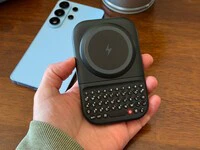
The Samsung Users' Guide to Clicks Power Keyboard
For years, the Samsung Galaxy experience has involved a silent trade-off. We gained some of the most stunning mobile displays in the world, but we keep losing that real estate to the digital keyboard any time we try and get stuff done. The moment you need to reply to a Slack message or draft an email, that virtual keyboard slides up and consumes nearly half of that beautiful Infinity…
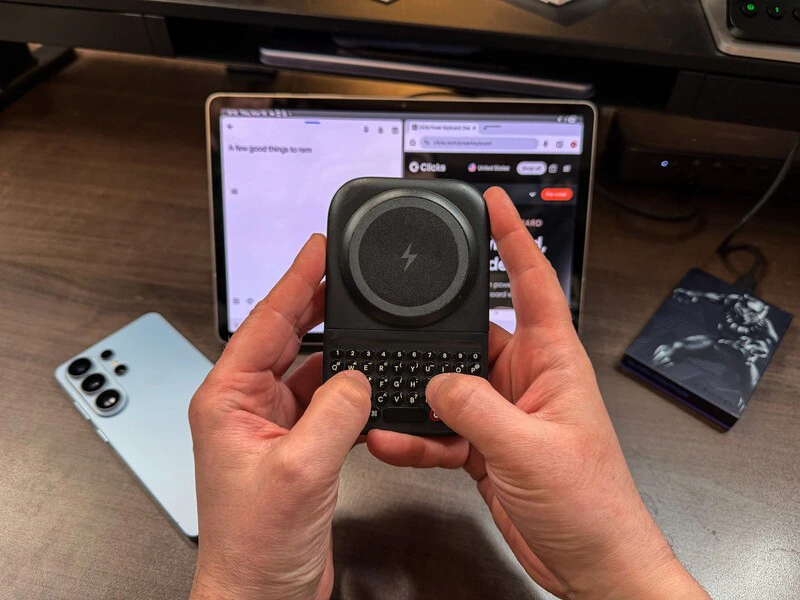
Using Clicks Power Keyboard with Samsung Galaxy Tablets
Do you use your tablet for work or for fun? Or has it been relegated to a forgotten drawer and whenever you remember it exists you discover the battery is dead because you haven’t used it in weeks? Part of the problem with tablets is they just lack the productivity that can be achieved from a laptop - but that doesn’t have to be the case. Picture this! You’re at a crowded coffee…
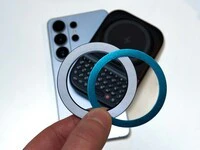
Samsung's Phones Don't Have Magnets But You Can Still Use Power Keys
The Clicks Power Keyboard relies on a high-strength magnetic connection to “snap” onto the back of your smartphone. While this is a native feature for some devices, Samsung Galaxy phones just refuse to adopt this feature. Having a built-in magnetic ring in the chassis is standard with many other phones, but not galaxy devices. At least not as of 2026. Having no magnetic ring on…
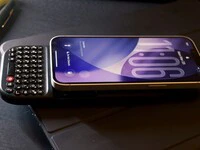
The iPhone 17e Users' Guide to Clicks Power Keyboard
The iPhone 17e is a capable and lower-cost iPhone. Since you’re saving some cash on the hardware, it’s a little easier to spend your money on accessories to improve the phone experience. In this article, we’ll show you how to get up and running with the Clicks Power Keyboard on iPhone 17e.